
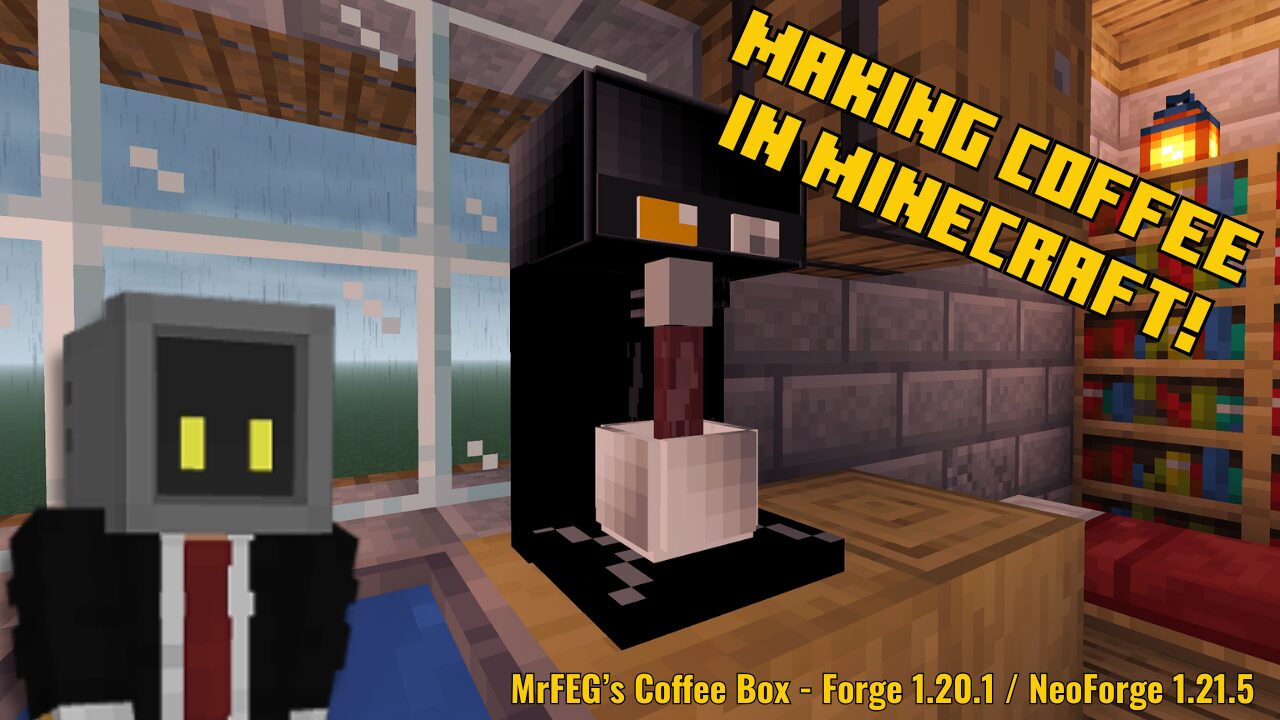
MrFEG’s Coffee Box is a Minecraft mod for Minecraft Java Edition on 1.20.1 (with the Forge mod loader) or 1.21.5 (with the Neoforge mod loader) that adds a simple little machine that lets you brew coffee! I love small mods like this that only do one or two small things. At the time of this article, the mod has less than 1000 downloads.
Earlier this week, I published a mod showcase video showing off the mod on my YouTube. You can watch the 6 minute video below.
How To Brew Coffee in MrFEG’s Coffee Box Mod
To brew a cup of coffee, you’ll need to find some Coffee Seeds. You can find them by punching grass.

Plant them on farmland like any other crop in Minecraft, and they’ll eventually grow to full maturity. IMPORTANT: In the current version of the mod at the time of this writing, bonemeal does NOT work on coffee plants.
Once your plants are done, you can harvest Coffee Beans.


Before you can brew your coffee, you’ll need to build a Coffee Machine. To build the machine, you’ll need:
- 5 black concrete
- 1 furnace
- 2 iron ingots
- 1 block of Redstone
Place them in the crafting grid like so:

Once you’ve crafted your coffee machine, place it down in the world wherever you’d like. You’ll also need to craft a Coffee Cup! To craft a coffee cup, you’ll need:
- 6 blocks of white terracotta
- 1 iron ingot
Place them in the crafting grid like so:

Finally, to brew your coffee, right click on the Coffee Machine to open the interface. Place a Coffee Bean and a Bucket of Milk in the corresponding slots and close the interface. Then you’ll need to right click on the machine with your coffee cup in hand to place it on the machine.

IMPORTANT: In the current version of the mod, you MUST add the coffee bean and bucket of milk BEFORE you place down the coffee cup. If you place the coffee cup first, you won’t be able to open the interface and will get a message that says “The coffee machine is empty!” instead. You’ll have to break the coffee machine and replace it to open the interface.

Finally, right click the machine again to enjoy the sound and animation of your coffee brewing! I love the small details like the steam rising from the cup.

You’re done! Enjoy your cup of coffee. You can drink it like any potion in the game. Drinking the coffee grants you three beneficial effects:
- Speed II
- Health Boost II
- Strength II
The effects last for one minute. Drinking the coffee returns an empty coffee cup to your inventory, allowing it to be reused.

Coffee Cups Can Also Be Placed!

Coffee cups from MrFEG’s Coffee Box mod can also be placed in the world for decoration. To place a coffee cup, hold Sneak and right click while holding the cup to place it. Both the empty and full coffee cup can be placed — the full coffee cup even keeps its hot steam animation when placed!
Some Notes About MrFEG’s Coffee Mod
I really enjoy this mod. It’s simple and doesn’t try to do too much, but the sound and the animation for the coffee is such a flavorful addition to the game. I do have a couple of minor issues with it, however:
- When brewing coffee, the bucket of milk used in the recipe is consumed and you don’t receive an empty bucket back. I suppose you could see this as a way to balance the potion effects that drinking coffee gives you, but it seems at odds with the usual behavior of crafting recipes that require a bucket of fluid.
- I did experience a small glitch the first time I used this mod where the Speed II buff kept refreshing itself indefinitely. It hasn’t happened when using the mod alone, but it did happen when I had the mod in a modpack, so I think it might be a mod conflict. I’m just not sure which mod is conflicting.
- Coffee plants can’t be bonemealed, which seems to me like a small oversight. Not a major issue, but it would help tie it into the vanilla game more if bonemeal worked on them.
- Finally, I thought it might be neat if you harvested a raw coffee bean and needed to smelt them in the furnace or a dedicated coffee roaster machine before you could brew them.
Overall though, it’s a cute little mod, and it’s one that will find a place in my personal modpack if only for the decorative coffee cups!
Where to get MrFEG’s Coffee Box Mod
You can download the mod from the following pages:
- Curseforge: https://www.curseforge.com/minecraft/mc-mods/mrfegs-coffee-box
- Modrinth: https://modrinth.com/mod/mrfegs-coffee-box/versions